
Month 14 of a 20-month villa compound. The quantity surveyor finally reconciles the finishes package for the cost report. The tiling budget was AED 1.8 million. Six purchase orders have been placed over eight months, by two different site managers, each one reasonable on its own. Together they come to AED 2.05 million, and the ground-floor tiling of the last cluster has not been ordered yet. The project director asks why nobody said anything in month six.
What it costs
By the time an overspend shows in the accounts, the money is already committed. The orders are signed, the material is delivered and the invoices are due. What is left is to find the margin somewhere else, or to argue about it at the final account. The decision that mattered was taken on the day each order was placed, and nobody compared it with the budget then.
A tiling budget of AED 1,800,000 against AED 2,050,000 already ordered, with about AED 160,000 still to order. The package will end around AED 410,000 over budget. Seen at the third order, the contractor could have re-tendered the rest or changed the specification with the consultant. Seen in month 14, it can only be absorbed.
How it is usually handled
- The budget is in the estimator's Excel file, by trade, and nobody on site has opened it.
- Orders are raised in the accounting system or by email, without any link to a budget line.
- The monthly cost report is built from invoices booked in accounts, so it shows what has been paid, not what has been promised.
- Small orders and site purchases are never added up against the package they belong to.
The result is a report that is always correct and always late. It tells you about the money after it has gone.
How Quanto Management handles it
In Quanto, the BOQ is set up in named sections, with a cost code on every line. In Professional and above, purchase orders (materials) and work orders (subcontracts) are numbered automatically and booked against a cost code, so each order counts as committed cost the day it is issued.
- A vendor quotation must be attached before an order can be issued, so every commitment has its price on file.
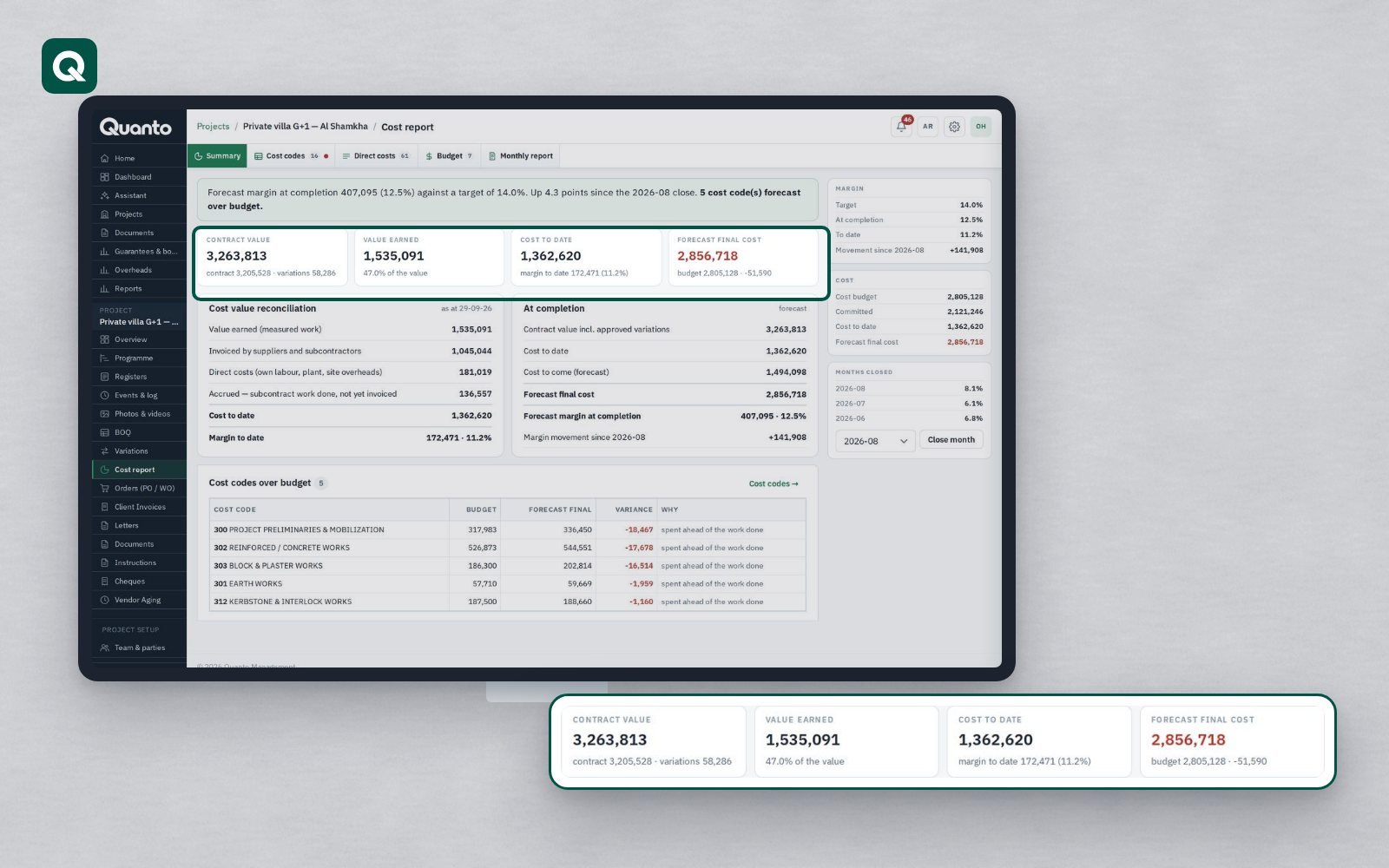
- Per cost code you see the contract value, the budget, what is committed, the actual cost and what is still to order.
- The expected final cost and the margin are shown per project and across the company.
- Vendor invoices are recorded with due dates against their orders, and payments are released after approval.
- The company dashboard shows the cost and time status of every running project.
The person placing the third tiling order can see that the cost code is already near its budget, and the conversation happens before the order, not at the final account.
A short checklist
- Give every order a cost code before it is issued. An order without one is an order nobody is tracking.
- Compare committed cost, not paid cost, with the budget.
- Keep a "still to order" figure for each package and review it with the site manager every month.
- Add site purchases and small orders to the package they belong to.
- Agree a point at which an order needs a second signature, for example when a package passes a set share of its budget.
- When a package runs over, record why: quantity, rate or scope. Each one has a different fix.
Tomorrow: a submittal stuck with the consultant.
Follow Quanto for a new article every day: LinkedIn · X · YouTube · Instagram · Facebook