
Week 40 on a mall project. Six weeks ago the Engineer told the site team to relocate a chilled water riser. The crew moved it, the ceiling closed late and two trades lost a week. Now the commercial manager sits down to write the claim for the extra time and cost. He opens the contract and reads the claims clause. The notice should have gone out within 28 days. Nobody sent it. The site team thought the office would. The office only heard about it when the cost report showed the overrun.
What it costs
Under the FIDIC 2017 Red Book, Sub-Clause 20.2.1 asks for a Notice of Claim as soon as practicable and no later than 28 days after the contractor became aware, or should have become aware, of the event. If the notice is late, the contractor is not entitled to the extra time or money, and the employer is discharged from liability for that event. The FIDIC 1999 Red Book, Clause 20.1, also uses 28 days.
So the claim is not lost on its merits. It is lost on a date, and nobody ever discusses the riser.
A claim for 35 days of extra time and AED 420,000 of prolongation and disruption cost. The notice goes out on day 41. The Engineer rejects it as time-barred, and the contractor carries the full AED 420,000 as well as the delay damages for the 35 days.
Why the notice gets missed
On most sites the start of a claim lives in places nobody reviews together:
- The event is in a WhatsApp group, a photo on a phone or a line in an Excel diary.
- The clock starts when the contractor became aware, not when someone in the office reads about it.
- The notice waits for a cost estimate, even though the detailed claim has its own, later period.
- The reminder sits in one person's calendar. When that person is on leave, the date passes.
The usual mistake is to treat the notice as part of the claim. It is a separate step with its own deadline, and it is the one that cannot be fixed later.
How Quanto Management handles it
A notice on time starts with the event recorded on the day. In Quanto, site events are logged in 14 types, including delays, instructions and weather, with hours lost and impact. Photos and videos are tagged by area and linked to the event. The project log records every action automatically, with its date.
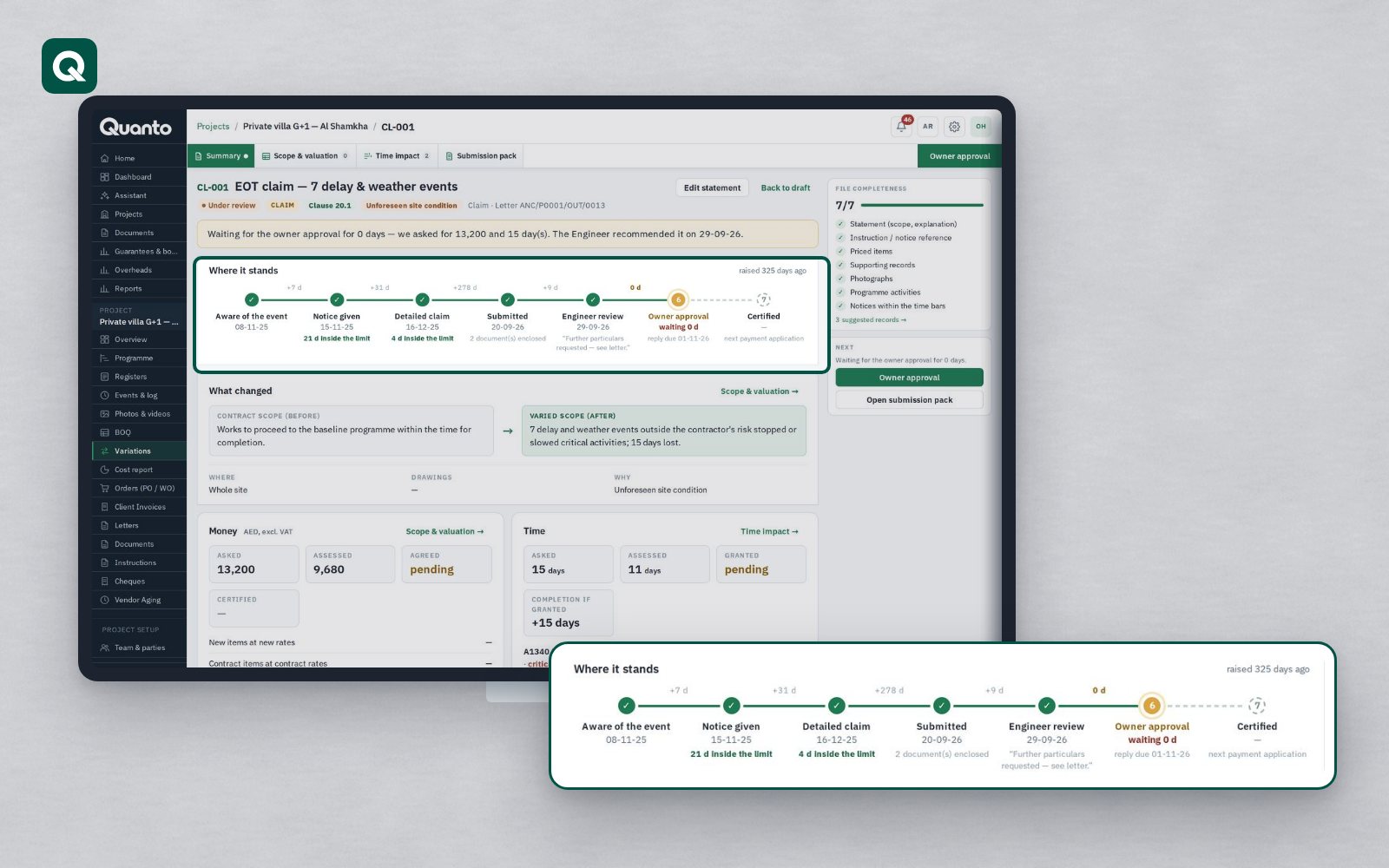
When you set up the project you choose the form of contract, and Quanto loads its periods and time bars and counts them on the project calendar. Where your Particular Conditions change a period, you change it for that project. A claim is linked to its site events, photos and letters as evidence, and carries its clock:
- The clause, and who must act by when, on the claim and on the project's clocks page.
- What silence means, shown on the clock: time-barred.
- Reminders two days before the deadline and when it is missed, with a morning email summary.
- A "waiting on you" list for each party, so the person who has to act sees it on their home page.
The notice itself goes out as a letter on your letterhead, with your own reference numbering, signed by the signatory before it is sent. Where the Engineer is on Quanto, it arrives in their inbox with a read receipt.
A short checklist
- Record the date you became aware of the event on the event record itself, not only in an email.
- Send the notice first and the detail later. The detailed claim has its own period.
- Read your Particular Conditions for any change to the notice period.
- Give every running notice a named owner and a named deputy.
- Review open events against their deadlines every week, not at month end.
- Keep proof of delivery for every notice you send.
Tomorrow: a verbal instruction on site.
General information only. Periods and procedures depend on the form of contract and its particular conditions; always check your own contract.
Follow Quanto for a new article every day: LinkedIn · X · YouTube · Instagram · Facebook