
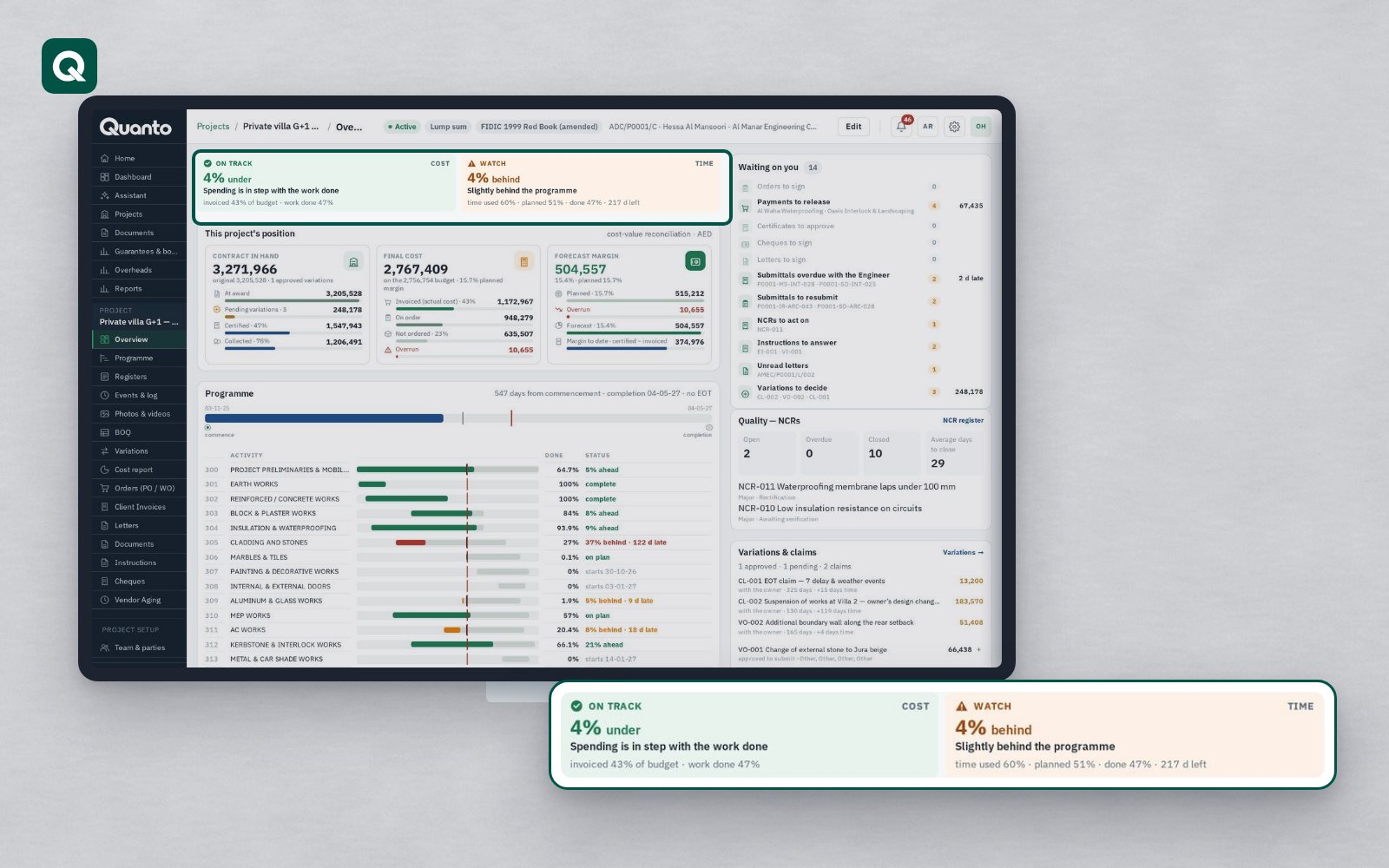
Over the past thirteen articles we have looked at what a shared project record changes: time, money, effort, collaboration, deadlines, cost control, site records and data control. The best way to judge all of that is to try it on a project you know. There are three steps, and you can stop at any of them.
Step 1: open the live demo
The live demo needs no registration. Open it and choose one of the ready-made demo accounts on its sign-in page: contractor, consultant or owner. Each one shows the project from that party's point of view, with its own home page and "waiting on you" list. The demo uses sample data and is refreshed every night at 03:00 UAE time, so you can click anything without worrying about breaking it.
Things worth trying in the demo:
- open a variation and follow its approval trail, money and time;
- look at the contract clocks and see which periods are running and what silence would mean;
- open a payment application and see the Engineer's line-by-line certification;
- switch the language between Arabic and English.
Step 2: start a 30-day free trial
When you want to see your own project in Quanto, start a free trial. It runs for 30 days on the Business package, so you see the full system. No card is needed.
A good trial uses one real project:
- set up the contract and choose its form, so the periods and time bars load;
- import the BOQ, the programme from Primavera P6 or MS Project, and your suppliers and cost codes from Excel;
- invite the consultant and the owner, who join free;
- send a few letters, raise a submittal and record a week of site events.
If you decide not to continue, nothing is deleted: the account becomes read-only, and your data stays yours.
Step 3: onboarding
For companies that want help, onboarding imports your BOQ, programme, suppliers and letterhead and trains your team. It is free on Business yearly, Corporate and Enterprise, and available for a fee on Essential and Professional.
Choosing a package
Packages run from Essential to Enterprise. All of them have unlimited users, and invited parties (the owner, the consultant, subcontractors and viewers) join free. The company that runs the projects pays one fixed monthly subscription; packages differ by the number of active projects, storage and modules. Closed projects go to the archive, cost nothing and stay readable. You can move up at any time and pay only the difference. The pricing page has the details.
What comes next on this blog
From here, the blog turns to practice: real problems on construction sites and how they are handled, one problem at a time, from missed claim notices and unpriced variations to late certificates, stuck submittals and snag lists. If there is a problem you would like us to write about, tell us through the contact page.
Follow Quanto for a new article every day: LinkedIn · X · YouTube · Instagram · Facebook